
Tips for Organizing a Clutter-Free and Efficient Home Workspace
Creating a comfortable, clutter-free, and efficient workspace at home can greatly improve your productivity and overall well-being. Whether you work remotely, run a home business, or simply need a dedicated area for managing paperwork and projects, organizing your workspace effectively helps reduce distractions and makes tasks easier to handle.
This guide offers practical tips to help you design and maintain a neat, functional home office that supports your daily workflow.
Why Organize Your Home Workspace?
A well-organized workspace promotes focus and reduces stress. When everything has a designated place, it’s easier to find what you need quickly. An efficient setup also encourages better habits, helping you stay on top of your work and deadlines.
Start With Decluttering
Evaluate Your Space and Items
Begin by removing everything that doesn’t belong or isn’t essential. This includes old paperwork, random gadgets, or decor that distracts you. Sort items into categories: keep, donate, recycle, or toss.
Be Ruthless But Practical
Avoid holding onto things “just in case.” If you haven’t used an item in the last 6 to 12 months, it’s probably safe to part with it.
Set Up Zones for Different Tasks
Work Zone
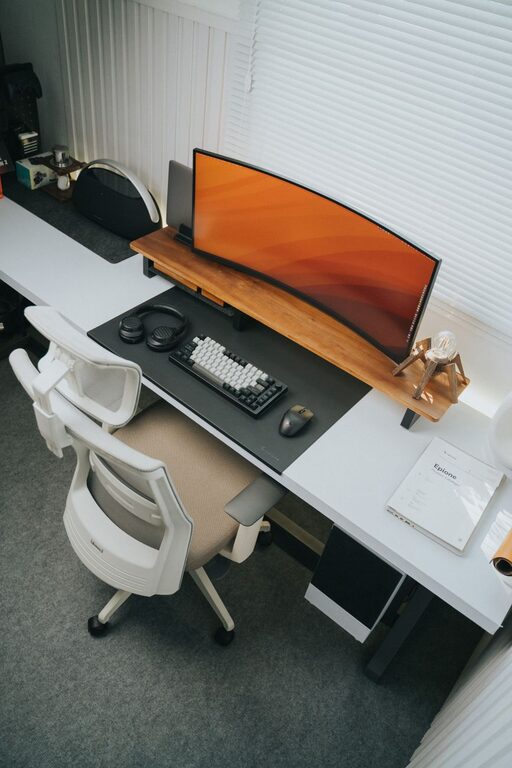
Keep your computer, keyboard, mouse, and any essential devices within easy reach. This is your main area for focused tasks.
Reference Zone
Designate a spot for reference materials like books, calendars, or frequently used files. Use shelves or organizers to keep them tidy and accessible.
Supply Zone
Store office supplies like pens, paper, staplers, or chargers in drawers or containers close to your desk. Avoid spreading these around your workspace.
Choose Functional Furniture and Storage
Desk Selection
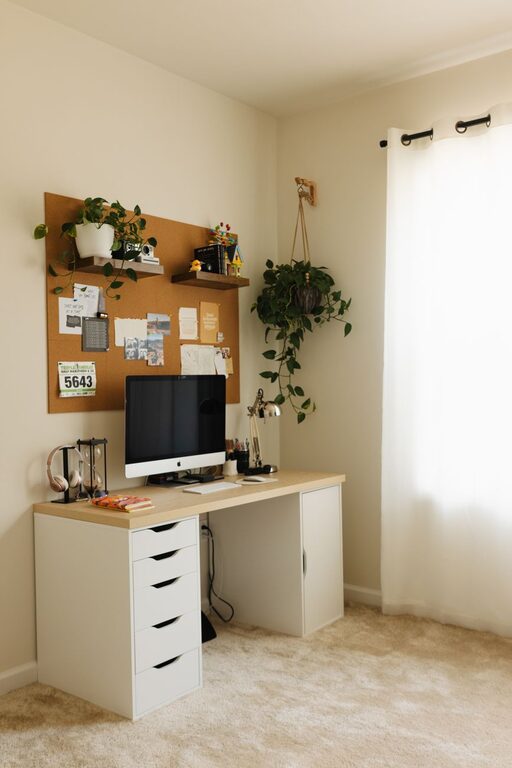
Pick a desk with enough surface area for your tools but not so large that it invites clutter. A desk with built-in drawers can help keep items out of sight.
Organizers and Containers
Use drawer dividers, small bins, or trays to separate and store supplies. Label containers to quickly identify their contents.
Shelving and Filing Systems
Vertical shelves maximize space and keep documents organized. Consider a filing cabinet or portable file boxes for important papers.
Utilize Smart Cable Management
Tangled cables add to clutter and can be frustrating. Use cable clips, Velcro straps, or cable boxes to bundle wires neatly under or behind your desk. Label cables if possible to simplify troubleshooting.
Optimize Lighting and Ergonomics
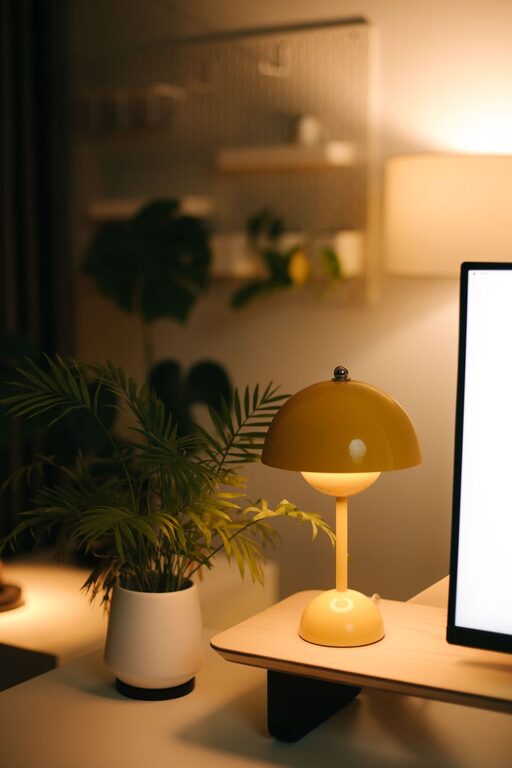
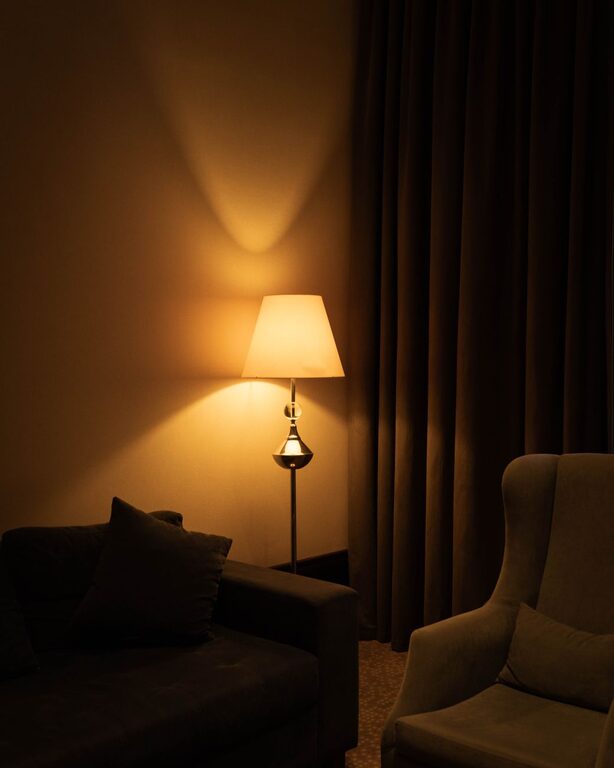
Good lighting reduces eye strain and improves focus. Position your desk near a window for natural light, and add task lighting like a desk lamp for darker areas.
Invest in an ergonomic chair and place your monitor at eye level to maintain comfort and prevent fatigue during long work hours.
Develop Daily and Weekly Habits
End-of-Day Cleanup
Spend 5 minutes tidying your desk at the end of each day. Put away supplies, file papers, and clear your work surface.
Weekly Review
Schedule time weekly to go through emails, organize files, and discard anything no longer needed. This regular upkeep prevents clutter from building up.
Personalize Mindfully
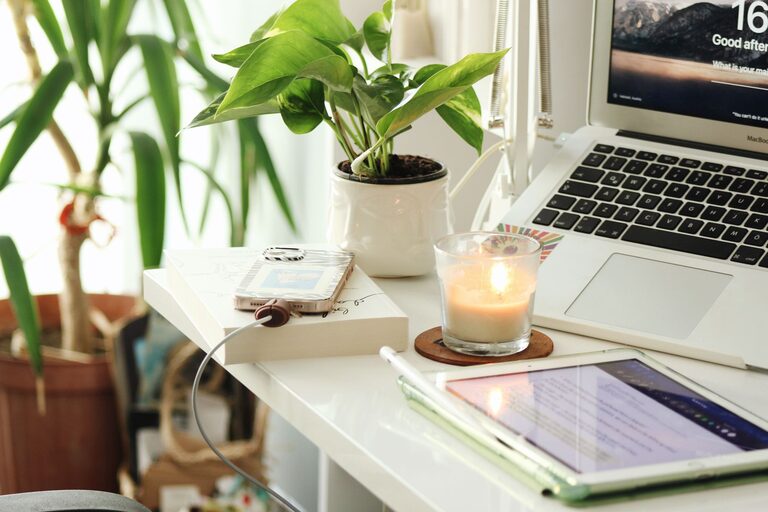
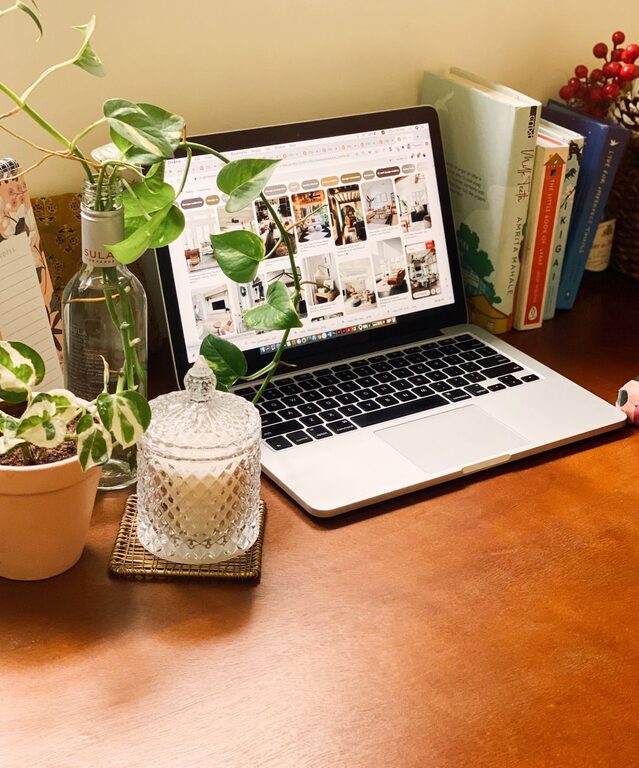
A few personal touches such as photos, plants, or artwork can make your workspace inviting without overwhelming the area. Choose decor that inspires you but stays simple to maintain a clean look.
Keep Digital Spaces Organized
Physical clutter is easier to spot than digital messes. Create folders, delete unused files, and manage your email inbox regularly to maintain digital efficiency alongside your physical workspace.
Final Thoughts
Organizing a clutter-free and efficient home workspace takes some effort upfront but pays dividends in productivity and peace of mind. By decluttering, setting up functional zones, investing in smart storage, and maintaining daily habits, you can create a space that supports your best work.
Start small, be consistent, and enjoy the benefits of a tidy, efficient home office tailored to your needs.