
Tips for Creating a Cozy and Functional Home Office Space
Creating a cozy and functional home office space is essential for anyone working or studying from home. A well-designed workspace not only boosts productivity but also makes your workday more enjoyable and less stressful. Whether you have a dedicated room or a small corner to set up your office, these tips can help you achieve the perfect balance of comfort and efficiency.
Choose the Right Location
When setting up your home office, consider a spot that offers minimal distractions and enough space for your needs.
– Natural Light: Pick a location near a window if possible. Natural light increases alertness and improves mood.
– Quiet Area: Avoid high-traffic zones in your home to reduce noise interruptions.
– Space for Essentials: Ensure there’s enough room for your desk, chair, and any equipment or supplies you need.
Invest in Comfortable Furniture
Comfort is key when spending long hours working.
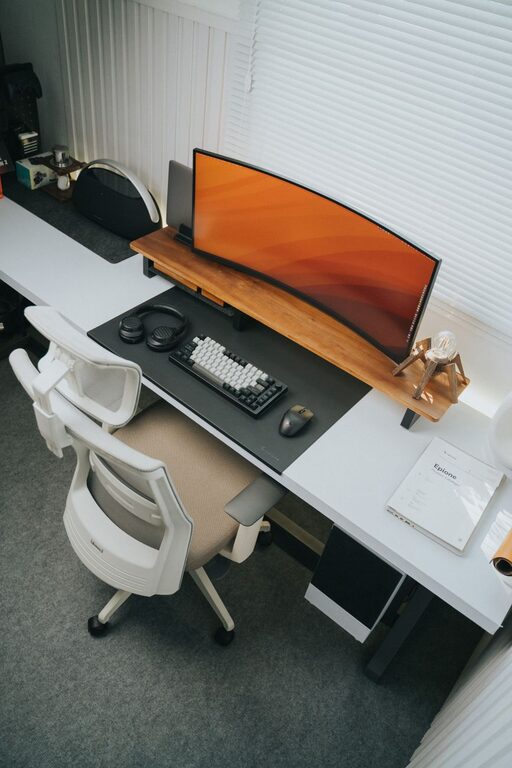
– Ergonomic Chair: Choose a chair that supports your back and encourages good posture. Adjustable height and lumbar support can make a big difference.
– Desk Choice: Select a desk with enough surface area for your computer, paperwork, and accessories. Sit-stand desks are a great option if you like to change positions throughout the day.
– Footrest and Accessories: Consider a footrest or keyboard tray to reduce strain.
Optimize Lighting for Focus and Comfort
Good lighting helps reduce eye strain and maintain energy levels.
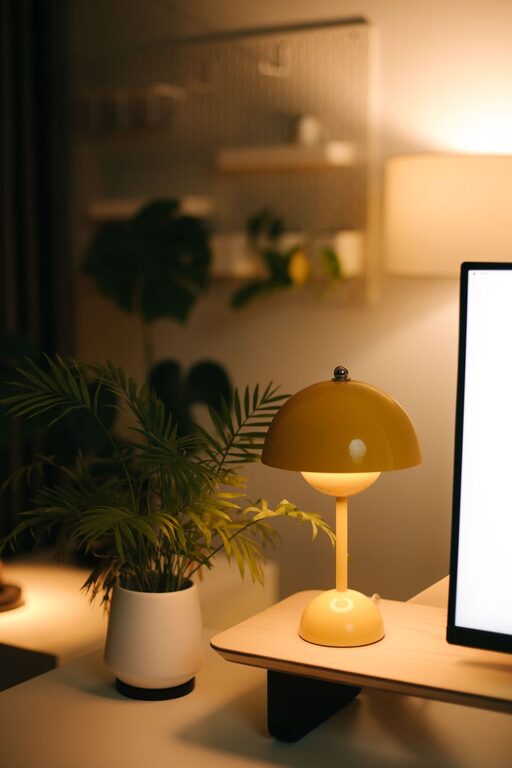
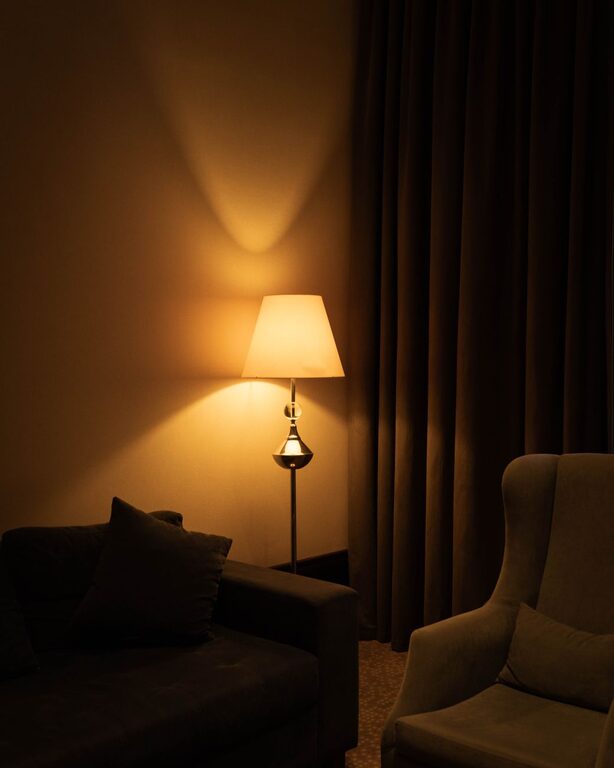
– Combine Natural and Artificial Lighting: Balance daylight with soft, warm lamps.
– Task Lighting: Use desk lamps that can be adjusted to focus on your work area.
– Avoid Glare: Position your computer and lights to minimize screen glare.
Keep Your Space Organized
An organized workspace helps keep your mind clear and tasks manageable.
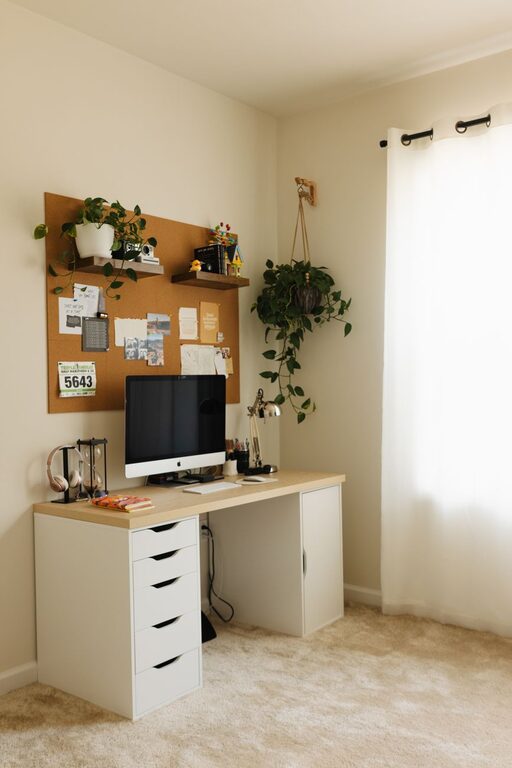
– Storage Solutions: Use shelves, filing cabinets, or storage bins to keep documents and supplies tidy.
– Desk Organizers: Trays, pen holders, and cable management tools help keep clutter off your desk.
– Daily Clean-Up: Make it a habit to tidy your space at the end of each workday.
Personalize Your Workspace
Add elements that make your space inviting and motivating.
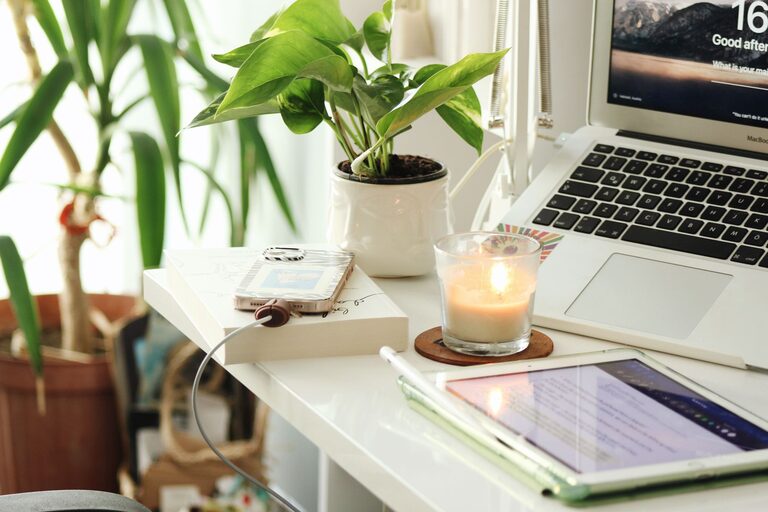
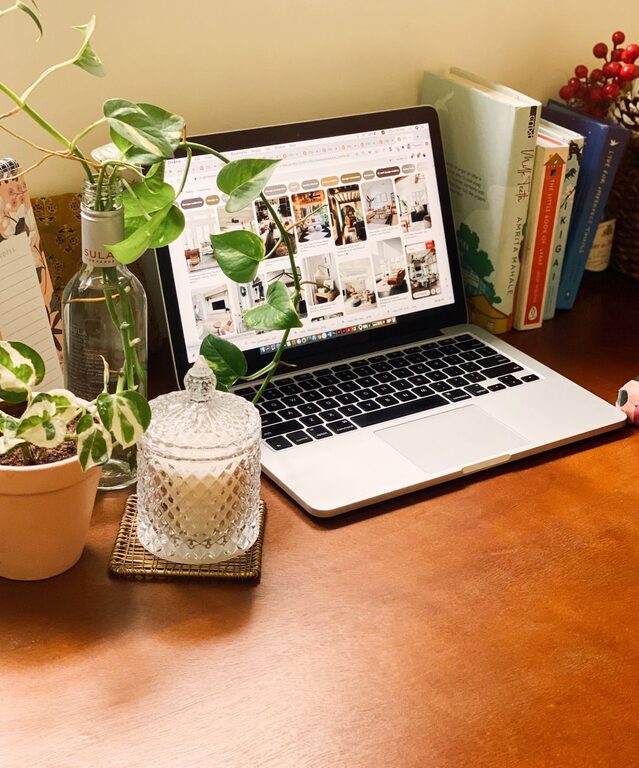
– Plants: Indoor plants can improve air quality and add a touch of nature.
– Artwork and Decor: Choose calming or inspiring images and objects that bring you joy.
– Color Palette: Use soothing colors such as soft blues, greens, or neutrals for walls and accessories.
Minimize Distractions
Creating boundaries helps you stay focused during work hours.
– Set Clear Work Hours: Communicate your schedule with family or housemates.
– Noise Control: Use noise-canceling headphones or a white noise machine if needed.
– Digital Organization: Organize files and apps on your computer to reduce digital clutter.
Incorporate Technology Thoughtfully
Having the right technology enhances productivity.
– Reliable Internet: Ensure a strong and stable connection.
– Essential Devices: Use a good-quality monitor, keyboard, and mouse.
– Cable Management: Keep cords neatly arranged to avoid tangling and hazards.
Take Breaks and Move
An effective home office encourages movement.
– Stretch Regularly: Take breaks to stand, stretch, or walk around every hour.
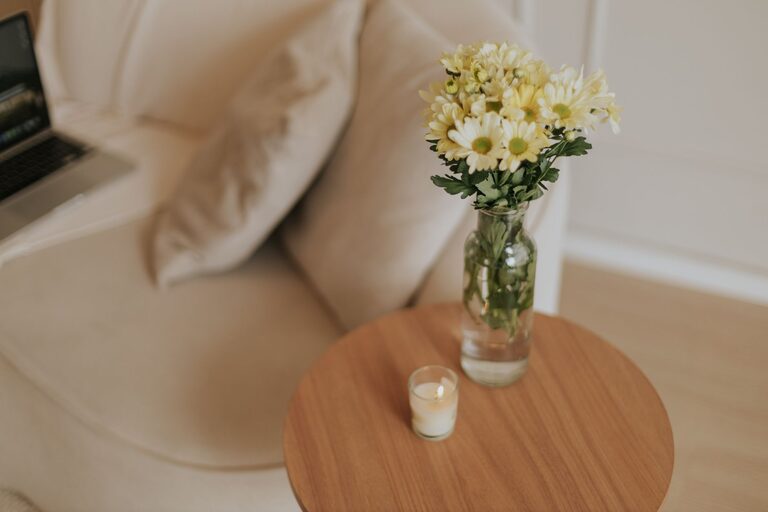
– Create a Relaxation Spot: If space allows, have a chair or corner for quick mental resets.
Conclusion
Designing a cozy and functional home office is about balancing comfort, organization, and focus. By choosing the right location, investing in good furniture, optimizing lighting, and personalizing your space, you can create an environment where work feels less like a chore and more like a fulfilling part of your day. Experiment with these tips to find what works best for you, and enjoy your new productive, comfortable workspace.