

Tips for Organizing a Productive Home Workspace
Working from home has become a common part of many people’s lives, making it more important than ever to have a well-organized workspace. A productive home office isn’t just about having a desk and a computer—it’s about creating an environment that helps you focus, stay motivated, and be efficient throughout your workday. Here are some practical tips to help you organize a home workspace that supports productivity.
1. Choose the Right Location
Start by selecting a spot in your home that is quiet, comfortable, and free from distractions. Ideally, this space should have natural light and good ventilation. If possible, reserve a specific area solely for work to help your brain associate that space with productivity.
Consider These Factors:
– Avoid high-traffic areas where family members or roommates frequently pass by.
– Ensure there’s enough room for your desk, chair, and any other essentials.
– Keep an eye on noise levels; consider noise-canceling headphones if unavoidable.
2. Invest in Ergonomic Furniture
Comfort is key to staying productive for long hours. An ergonomic chair and desk that supports good posture can reduce fatigue and prevent discomfort.
Ergonomic Tips:
– Select a chair with adjustable height and good lumbar support.
– Position your computer screen at eye level to reduce neck strain.
– Keep your feet flat on the floor or on a footrest.
3. Declutter and Organize
A cluttered workspace can lead to distractions and decreased efficiency. Regularly tidy up your desk and surrounding area to maintain a clear, focused environment.
Organizing Strategies:
– Use drawer organizers or small containers to separate office supplies.
– Keep only frequently used items on your desk.
– Use cable management tools to keep cords tidy.
4. Make Use of Storage Solutions
Having enough storage options helps keep everything in its place, reducing stress and saving time when searching for materials.
Storage Ideas:
– Use shelves, cabinets, or file organizers for paperwork.
– Label storage boxes or drawers for easy identification.
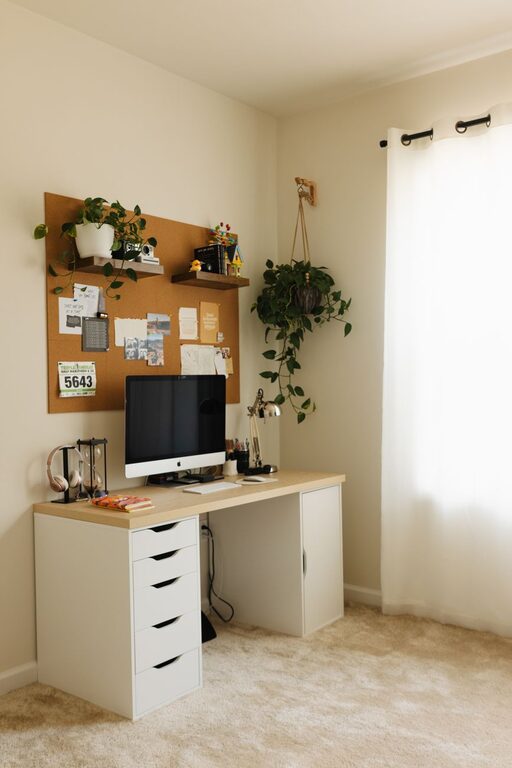
– Consider vertical storage to maximize limited space.
5. Optimize Lighting
Proper lighting reduces eye strain and helps you stay alert. Natural light is best, but task lighting is a good supplement.
Lighting Tips:
– Position your desk near a window if possible.
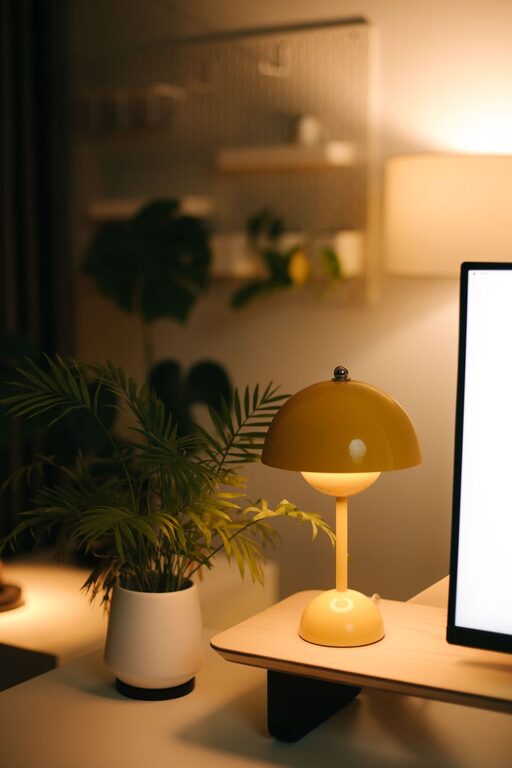
– Use a desk lamp with adjustable brightness for focused tasks.
– Avoid glare on computer screens by positioning lights thoughtfully.
6. Personalize Your Space Wisely
Adding personal touches can make your workspace inviting and motivate you to work. However, avoid too many distractions.
Ideas for Personalization:
– Display a few inspirational quotes or photos.
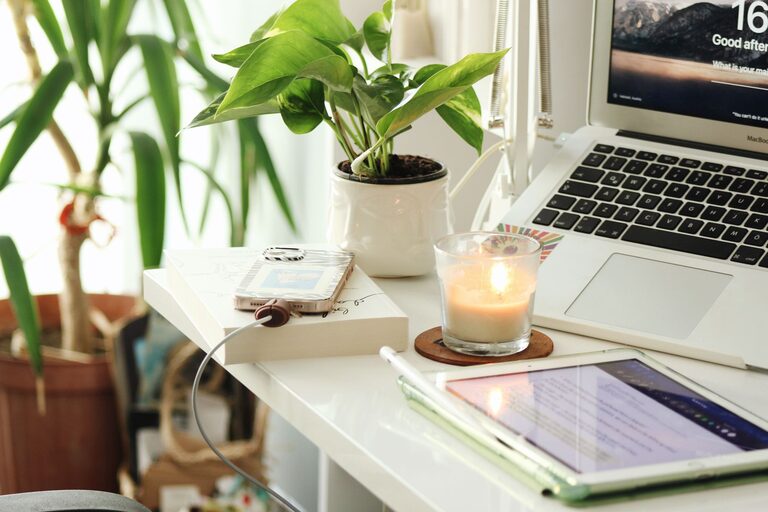
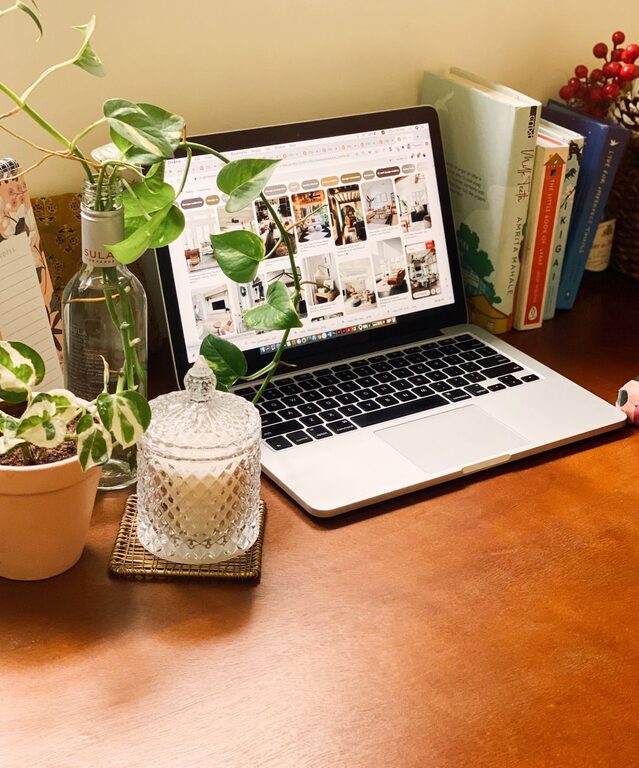
– Incorporate some greenery with small plants.
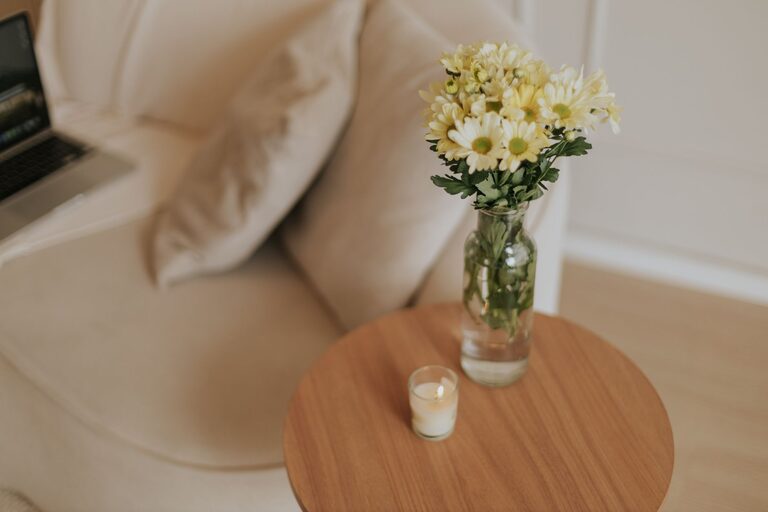
– Use calming colors and organize accessories that spark joy.
7. Set Up Technology Efficiently
Make sure your technological setup supports your work without frustrations.
Technology Tips:
– Use a reliable internet connection.
– Keep chargers and accessories organized and accessible.
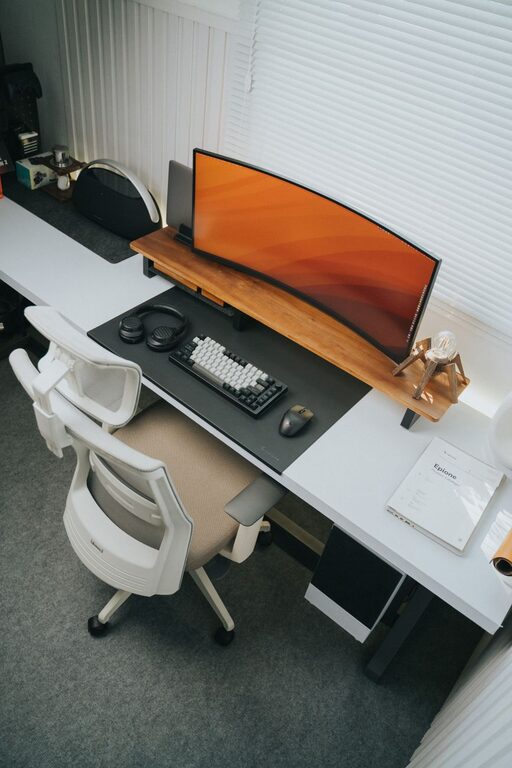
– Consider larger or multiple monitors if your work benefits from them.
8. Establish Boundaries and Routine
Organizing your physical space goes hand in hand with organizing your time.
Practical Steps:
– Define your working hours and communicate them to others.
– Create a morning routine to transition into work mode.
– Use calendars or apps to keep track of tasks and deadlines.
Final Thoughts
By thoughtfully organizing your home workspace, you can create an environment that enhances your focus and efficiency. Remember, the goal is to design a space that supports your work habits, keeps distractions at bay, and feels comfortable and inspiring. With these tips, you’re well on your way to a productive and enjoyable home office experience.